Ten tools, tested against what email specialists actually need — design depth, cross-client rendering, collaboration, and clean export. Ranked, not just listed.
10 tools compared#1 StripoOfficial product sources reviewedUpdated June 2026
What separates a builder for specialists from a builder for everyone
Anyone can drop text into a template. Email specialists need more: control over how a layout renders in Outlook, a code editor for the cases drag-and-drop can't reach, reusable modules so production scales, and QA that catches breakage before send. This ranking weighs every tool on those terms — identification, full feature breakdown, ease of use, pricing, honest pros and cons, when each one fits (and when it doesn't), support, and a final verdict with the one feature worth remembering.
Stripo takes the top spot for pairing a genuine HTML/CSS editor with a polished no-code builder and best-in-class rendering QA. The rest follow in order, each strong for a specific kind of specialist or team.
IdentificationOverviewEase of usePricingPros & consWhen it works / doesn'tSupportVerdict
01
★ TOP PICK
Stripo
All-round email design for professional email teams
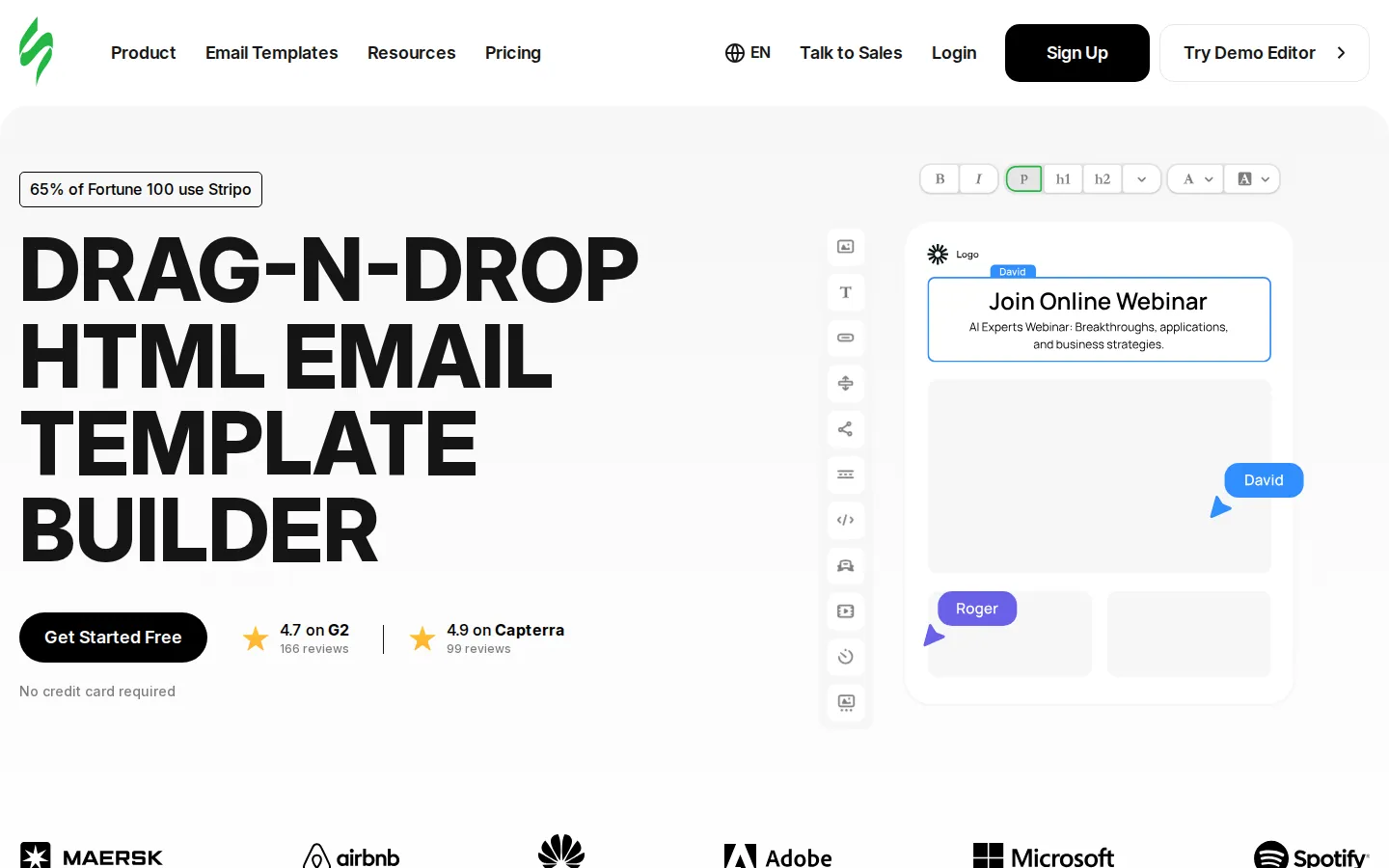
Stripo — main page
A dedicated email design platform combining a no-code drag-and-drop editor with a full HTML/CSS code editor. Built for email specialists, marketers, and agencies who need design depth without giving up cross-client reliability. Used by 1.6M+ people and teams across e-commerce, SaaS, enterprise, and nonprofits.
Overview
Drag-and-drop editor
Dual-mode editor: visual drag-and-drop plus a synced HTML/CSS code editor. Modular email design lets you build a block once and reuse it across campaigns; separate desktop/mobile padding and margin control.
Template library
1,600+ responsive templates across promo, transactional, trigger-based, seasonal, and industry categories — plus AMP/interactive blocks.
Customization / code access
Full HTML/CSS access alongside the visual editor. Import existing HTML, edit raw code, and export clean responsive HTML.
AI features
AI email generation, AI text and subject-line assistant, and AI image generation built into the editor.
Collaboration
Real-time co-editing, role-based access (writer/designer/proofreader/viewer), comments, and shareable preview links for stakeholder approval.
Integrations
many ESPs and email clients including Mailchimp, HubSpot, Salesforce, Campaign Monitor, Braze, SendGrid, Outlook, and Gmail; Zapier and webhooks for everything else.
Export options
One-click push to many ESPs, plus export to HTML, PDF, and image; push directly to Gmail or Outlook.
Testing / preview
Built-in rendering tests across major email clients before sending; QA preview catches formatting issues across inboxes and devices.
Ease of use
Learning curve
Approachable for non-coders; a short curve to master how design blocks interact, comparable to learning a design app like InDesign.
Onboarding
Intuitive interface most reviewers describe as fast to start; teams report producing professional emails within days.
Pricing
Free plan / trial
See the vendor’s official site for current trial, free-tier, paid-plan, and usage limits.
Paid tiers (starting price)
See the vendor’s official site for current trial, free-tier, paid-plan, and usage limits.
What's included per tier
Higher tiers unlock more exports/day, more test emails, premium templates, preview-link sharing, multiple seats, and unlimited storage.
PriceSee current pricing and plan limits
Free
See current pricing
Full editor, many templates, AI assistance, limited exports, no builder branding
Basic
See current pricing
the current published allowance, 3 projects, more exports & test emails
Medium
See current pricing
More seats, projects, exports and premium templates
Pro
See current pricing
Up to current usage allowance, 300 test emails/day, team collaboration
~a vendor-published discount with annual billing. See the official pricing page for current plan options.
Pros
Deepest design control of any tool here (visual + code in one)
Reliable cross-client rendering with built-in QA
Modular design system speeds up repeat production
Strong AMP/interactive email support
Generous, time-unlimited free plan
Cons
Not an all-in-one ESP — you still send from a separate platform
Advanced features carry a learning curve
Many of the prettiest templates are paid
HTML output can include extra markup some devs want to trim
When it works
You design emails of any complexity, want both no-code speed and code-level control, and need them to render perfectly across every inbox before pushing to your ESP.
When it doesn't
Skip it if you want a single tool that also stores contacts, sends, segments, and reports — you'll want a full ESP instead.
Support & resources
Support channels
Email support, help center, blog, and active product updates; reviewers repeatedly praise responsiveness.
Documentation / help center
Extensive Help Center, tutorials, webinars, and a large knowledge base.
Verdict
The most complete pick for email specialists who care about both design freedom and rendering reliability. It earns the top spot by pairing a true code editor with a polished no-code builder and best-in-class QA.
Standout feature Visual + HTML editing in one place, backed by a reusable modular design system.
Fast, friendly no-code email and landing-page design
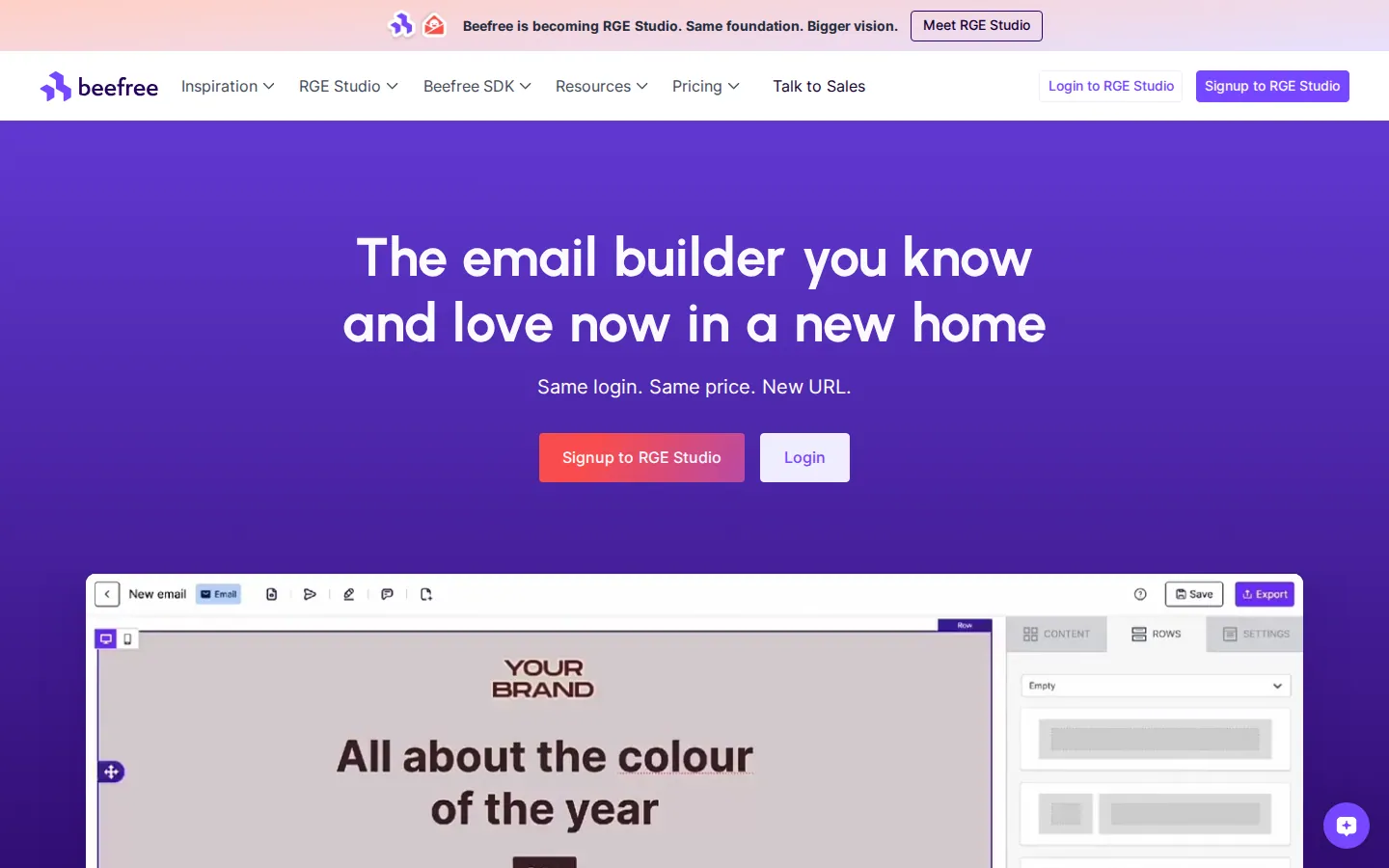
Beefree — main page
A widely used drag-and-drop design suite for emails and landing pages, built to make professional design accessible to non-coders. Also offers Beefree SDK for embedding. Popular with marketers, freelancers, and small-to-mid teams who want speed and an easy learning curve.
Overview
Drag-and-drop editor
Polished, intuitive drag-and-drop editor with live desktop/mobile preview while designing; reusable saved rows and content.
Template library
Large library — 1,700+ free, professionally designed responsive templates.
Customization / code access
Translates design to responsive HTML automatically; HTML export available. Less raw code-editing depth than code-first tools; some find asset placement rigid.
AI features
Emerging/basic AI assistance; the focus is the no-code design experience.
Collaboration
Collaboration, user roles, and approval workflows on higher tiers; CX team support for paid plans.
Integrations
Seamless integrations with ESPs and marketing platforms (e.g. Mailchimp, HubSpot, SendGrid, Pardot).
Export options
Export HTML and PDF; push to connected sending platforms.
Testing / preview
Designs render reliably across major clients like Gmail and Outlook; built-in desktop/mobile preview.
Ease of use
Learning curve
Very gentle — teams report being up and running within hours.
Onboarding
Quick start with templates; minimal setup needed before producing emails.
Pricing
Free plan / trial
See the vendor’s official site for current trial, free-tier, paid-plan, and usage limits.
Paid tiers (starting price)
See the vendor’s official site for current trial, free-tier, paid-plan, and usage limits.
What's included per tier
Professional adds unlimited exports, user roles, and permissions; Business adds approval/collaboration workflows and advanced brand style guidelines; Enterprise adds dedicated success management.
PriceSee current pricing and plan limits
Starter
See current pricing
Editor, many templates, mobile design mode; restricted exports, no collaboration
Professional
See current pricing
Unlimited exports, user roles & permissions, landing pages
Now operating as RGE Studio — same product, login and pricing.
Pros
Very easy to use, minimal learning curve
Huge free template library (1,700+)
Live desktop/mobile preview while editing
Strong value-for-money sentiment
Landing-page builder included
Cons
Asset placement can feel rigid for custom designs
Limited raw HTML/code control
Key features (exports, collaboration) gated behind paid tiers
AI capabilities are still basic
When it works
You want to produce good-looking emails and landing pages fast without code, especially as a freelancer or small-to-mid marketing team.
When it doesn't
Skip it if you need deep code control, pixel-precise custom layouts, or advanced AI generation.
Support & resources
Support channels
Help center and resources for free users; CX team for Professional/Business; dedicated success manager on Enterprise.
Documentation / help center
Extensive help center, templates, and learning resources.
Verdict
One of the most approachable builders around, with a massive free template library and a landing-page bonus. Trades deep code control for speed and ease.
Standout feature Enormous free template library plus a built-in landing-page builder.
Embeddable, white-label builder for SaaS products and dev teams
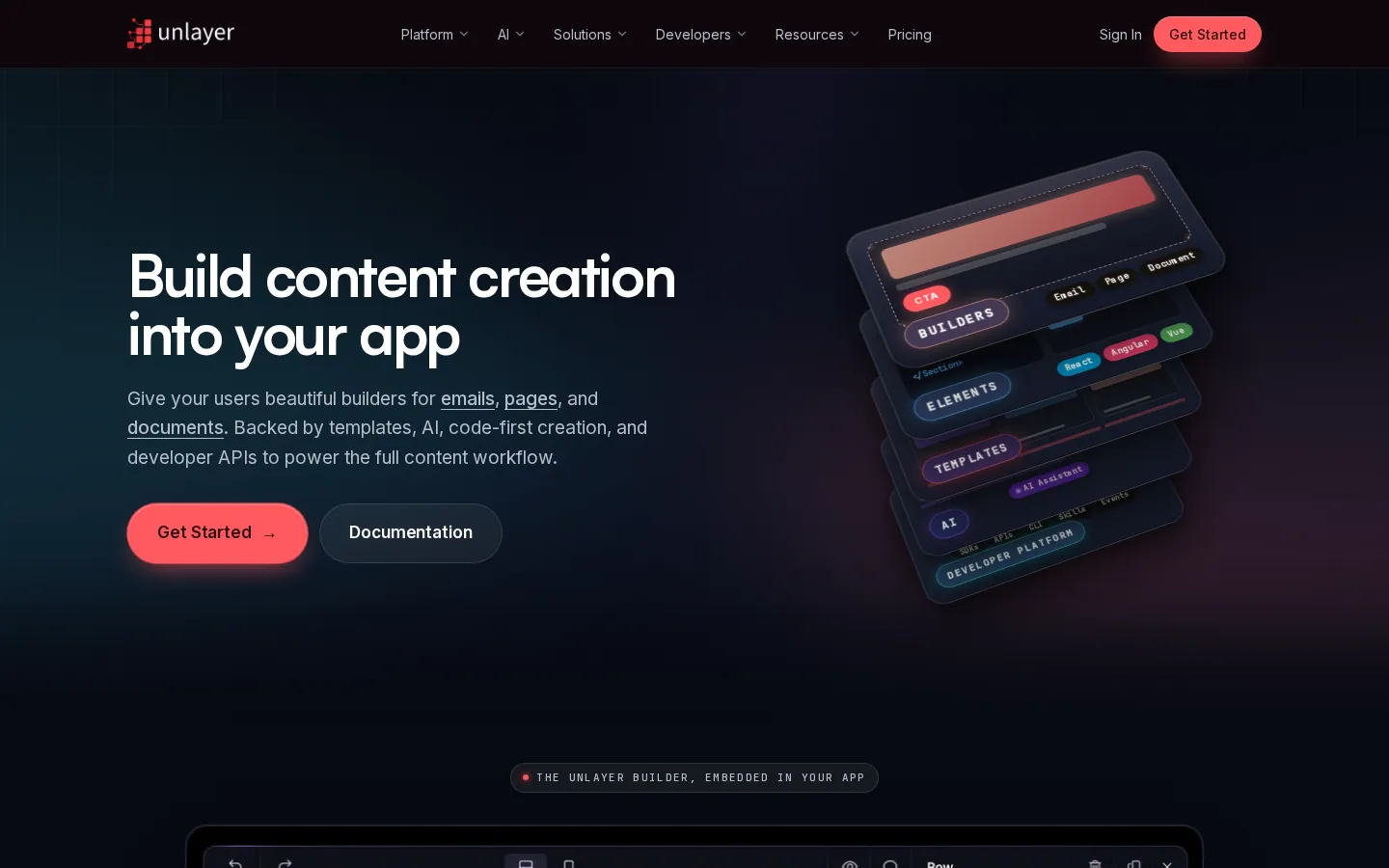
Unlayer — main page
An embeddable drag-and-drop content builder for emails, landing pages, documents, and popups. Its core market is SaaS companies and dev teams who want to embed a white-label editor inside their own product, though it also works as a standalone editor.
Overview
Drag-and-drop editor
Polished drag-and-drop editor praised for ease of use; reusable saved blocks and rows.
Template library
many prebuilt templates, plus the ability to create custom tools and blocks.
Customization / code access
Developer-friendly SDK and API; custom blocks/tools; HTML export. White-label customization of the whole editor UI.
AI features
AI tools generate on-brand images, headlines, buttons, and body copy inside the builder.
Collaboration
Advanced roles and permissions, real-time collaboration, and approval workflows.
Integrations
Integrations with ~28 platforms; SDKs for React, Vue, Angular, and Next.js with TypeScript support, webhooks, and API access.
Export options
Export to HTML, plain text, PDF, image, or ZIP; pixel-perfect, responsive output.
Testing / preview
Auto-optimized for mobile, tablet, and desktop; design-once-render-everywhere approach.
Ease of use
Learning curve
Easy for end users; embedding and customization require developer involvement.
Onboarding
Documentation, integration guides, starter templates, and live online sessions.
Pricing
Free plan / trial
See the vendor’s official site for current trial, free-tier, paid-plan, and usage limits.
Paid tiers (starting price)
See the vendor’s official site for current trial, free-tier, paid-plan, and usage limits.
What's included per tier
Launch includes Cloud API, custom tools, font management, image editor, localization, mobile design mode, and white-labeling; higher tiers add scale and advanced controls.
PriceSee current pricing and plan limits
Free
See current pricing
Standalone builder access
Launch
See current pricing
Cloud API, custom tools, font management, image editor, localization, white-labeling
Scale
See current pricing
Higher usage limits and advanced controls
Optimize
See current pricing
Enterprise scale, security and support
Pricing is built around embedding the SDK in your own product.
Pros
Best option for embedding a builder in your own app
Huge template library (2,000+)
Strong developer SDK/API and white-labeling
Built-in AI content tools
SOC 2 compliance and enterprise security
Cons
Embeddable pricing is steep for small teams
Standalone use is secondary to the SDK focus
Fewer direct ESP integrations than rivals
Overkill if you just need to design and send a few campaigns
When it works
You're a SaaS/CRM/marketing platform that wants to ship an email-design feature fast, or a dev team that needs a white-label, API-driven editor.
When it doesn't
Skip it if you're a solo marketer or small team just designing campaigns — the value and price are built around embedding.
Support & resources
Support channels
Email/help-desk support and FAQ/forum resources; live online sessions for setup.
Documentation / help center
Developer docs, integration guides, videos, and starter templates.
Verdict
The go-to when the goal is embedding a builder into a product rather than designing campaigns yourself. Excellent for dev teams; priced and shaped for that audience.
Standout feature White-label, developer-friendly SDK that drops a full editor into your own app.
Precise, layout-first responsive design for design-conscious specialists
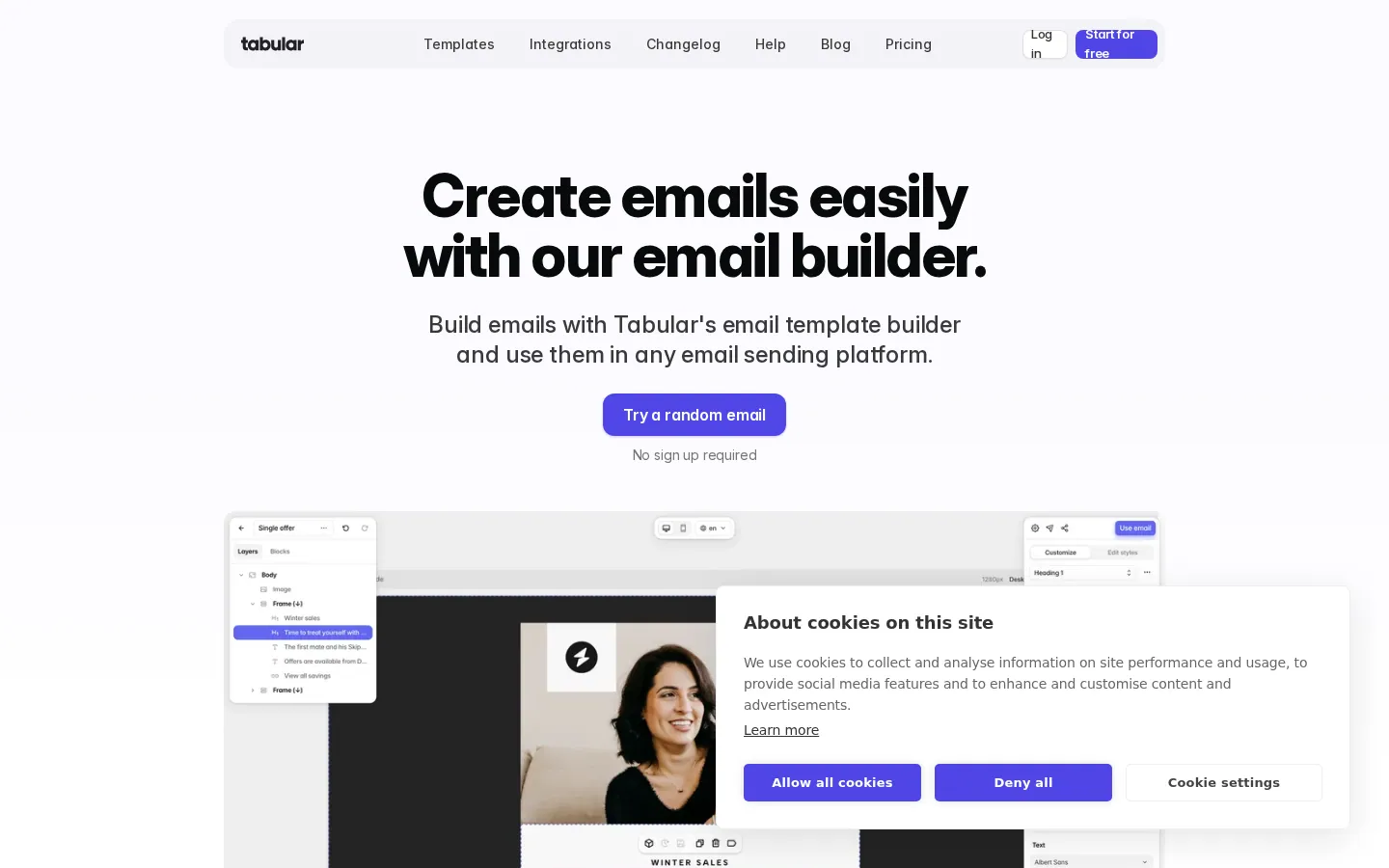
Tabular — main page
A modern, minimal drag-and-drop email builder focused on pixel-precise layout control. Feels Figma-like: you drag dots and lines to set spacing, padding, and column widths directly on the canvas. Aimed at designers and developer-marketers who want lean, reliable HTML.
Overview
Drag-and-drop editor
Direct-manipulation canvas editing — adjust padding, margins, and column widths by dragging rather than typing pixel values. Reusable blocks speed up builds.
Template library
Smaller curated library (~40 templates) plus build-from-scratch; quality over quantity.
Customization / code access
Built-in HTML editor for advanced control; generates clean, lean HTML automatically. Some HTML knowledge helps for advanced tweaks.
AI features
Limited / no AI features on the free tier; focus is on the editor itself rather than generative tooling.
Collaboration
Collaboration and email support included even on the free tier.
Integrations
Direct integrations with many ESPs including HubSpot, Mailchimp, and Klaviyo.
Export options
One-click HTML export and inbox preview; smart algorithm generates the HTML file in under a minute.
Testing / preview
Renders correctly across many email clients including older Outlook; single-click inbox preview. Separate mobile version control.
Ease of use
Learning curve
Easy for beginners thanks to the clean interface; advanced customization leans technical.
Onboarding
Minimal, fast, modern UI that responds quickly without legacy lag; quick to get started.
Pricing
Free plan / trial
See the vendor’s official site for current trial, free-tier, paid-plan, and usage limits.
Paid tiers (starting price)
See the vendor’s official site for current trial, free-tier, paid-plan, and usage limits.
What's included per tier
Paid unlocks unlimited emails, higher download limits, and ESP sync.
PriceSee current pricing and plan limits
Free
See current pricing
current email allowance & 3 HTML downloads/mo, all templates, collaboration, email support
Strong cross-client coverage including old Outlook
Modern, responsive, clutter-free interface
Generous free tier for evaluation
Cons
Small template library
Limited/no AI features
Low free export limits
Advanced work benefits from HTML knowledge
Less proven track record than older tools
When it works
You want precise, hands-on control of spacing and responsive layout and value clean HTML over a giant template gallery.
When it doesn't
Skip it if you rely on a big template library, need AI generation, or want a fully featured collaboration suite.
Support & resources
Support channels
Email support included on all tiers.
Documentation / help center
Help docs, template gallery, and a blog covering email build technique.
Verdict
A sharp, modern editor for specialists who prize layout precision and clean output. The lightweight library and limited AI keep it from the very top, but the editing experience is excellent.
Standout feature Drag-to-resize, Figma-style layout control with exceptionally clean HTML.
Collaborative, governed email production for teams and regulated industries
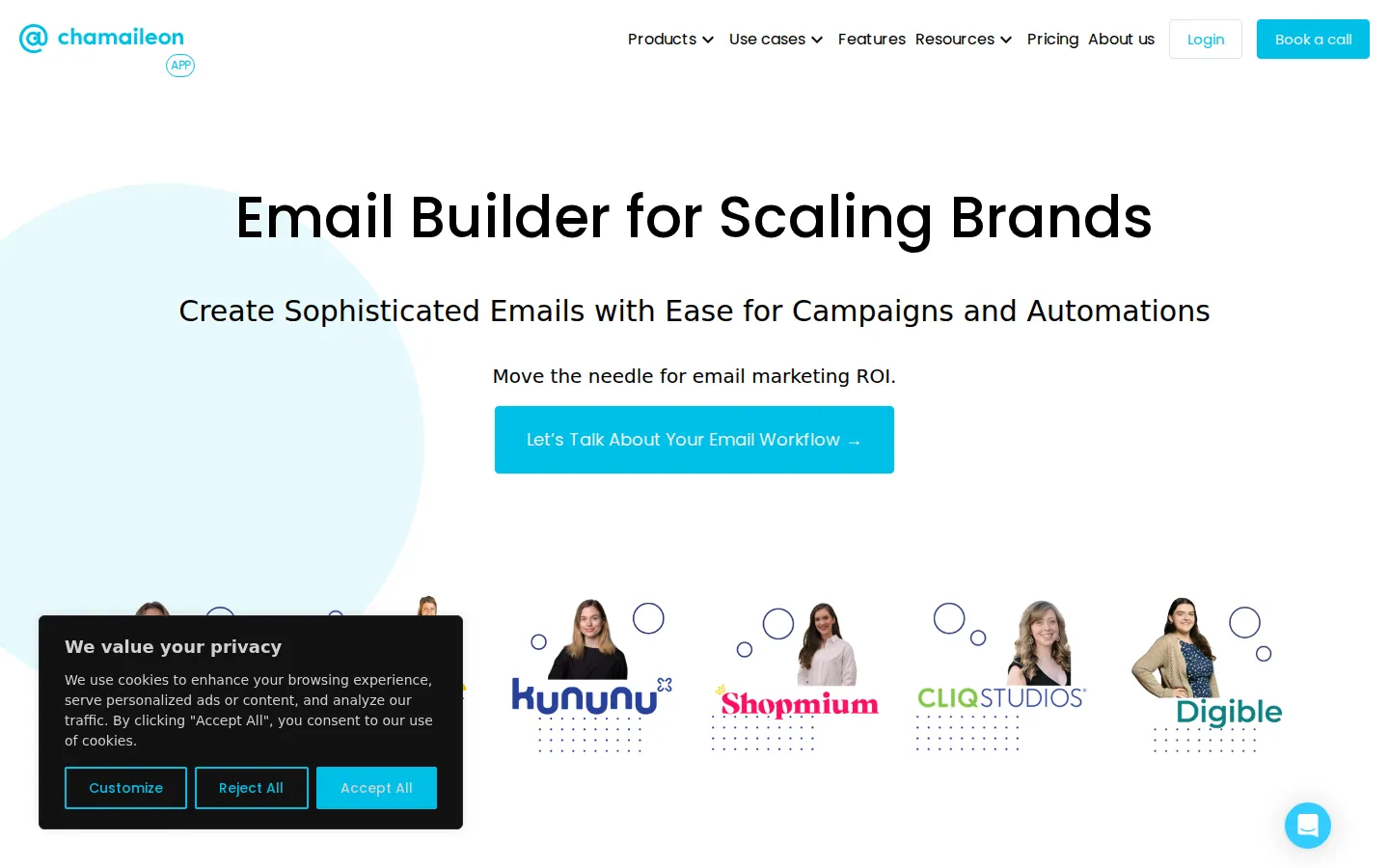
Chamaileon — main page
An ESP-agnostic, no-code email creation platform built around team collaboration and brand governance. Functions like an email CMS: design systems, components, modules, and templates organized in a folder hierarchy. Popular with marketing/CRM teams and regulated industries needing approval workflows.
Overview
Drag-and-drop editor
Drag-and-drop builder with granular control (pixel-by-pixel padding, nested columns); design feels like a combined design-app-and-doc-editor experience.
Template library
100+ modern templates; emphasis on building a reusable, on-brand component and module library rather than a giant gallery.
Customization / code access
Full HTML import that stays fully editable (not just an HTML block); clean exportable code. Roles can lock modules from editing.
AI features
Limited AI features; strength is the design system and workflow rather than generative tools.
Collaboration
Real-time multi-user editing, comments, project-level access control, role-based review and approval workflows, and audit logs.
Integrations
ESP/CRM-agnostic export to any sending platform; integrations with major ESPs.
Export options
Export clean HTML to any ESP or custom CRM; synced template library.
Testing / preview
Bullet-proof cross-client rendering; reviewers note far less manual email-client testing needed.
Ease of use
Learning curve
Intuitive enough to build a custom template in about an hour; full value comes once a team sets up its design system.
Onboarding
Initial module set and brand setup can be ready in under two weeks; guided setup for teams.
Pricing
Free plan / trial
See the vendor’s official site for current trial, free-tier, paid-plan, and usage limits.
Paid tiers (starting price)
See the vendor’s official site for current trial, free-tier, paid-plan, and usage limits.
What's included per tier
Plans scale by seats, exports, and governance features (roles, locking, approval workflows, audit logs).
A team produces lots of on-brand email at scale and needs roles, locking, approvals, and audit trails — especially in finance, healthcare, or insurance.
When it doesn't
Skip it if you're a solo creator or send occasionally — the cost and setup outweigh the benefit.
Support & resources
Support channels
Reviewers single out responsive, high-quality human support as a deciding factor.
Documentation / help center
Help center and onboarding resources; some reviewers want more current video tutorials.
Verdict
A team-first platform that shines on collaboration and governance. The price and setup mean it pays off for dedicated email teams, less so for individuals.
Simple, component-based email design for clean, on-brand newsletters
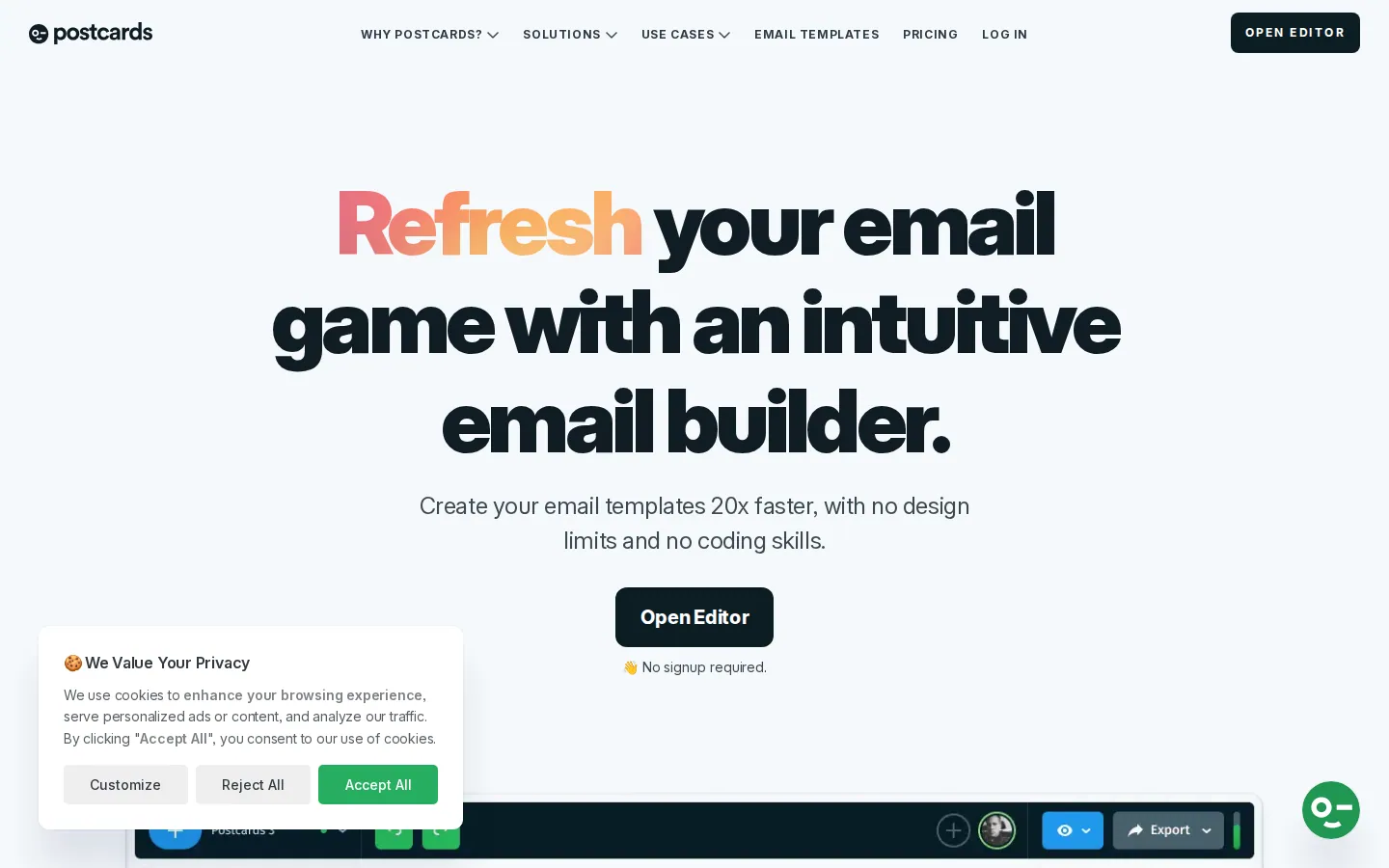
Postcards (Designmodo) — main page
A lightweight drag-and-drop email builder from Designmodo with 100+ modular components. Aimed at users who want to assemble clean, responsive emails quickly — promotional, e-commerce, news, and transactional — without coding or switching ESPs.
Overview
Drag-and-drop editor
Component-based drag-and-drop editor with 100+ modules; generates the HTML for you. Online editor with project management and unlimited-style assembly.
Template library
Predesigned templates plus 100+ reusable components; some reviewers want more industry/category options.
Customization / code access
Auto-generates responsive HTML you can export; not a deep raw-code editor — focus is no-code assembly.
AI features
Minimal AI; the emphasis is the component system and simplicity.
Collaboration
Project manager for organizing work; lighter on multi-user collaboration than team-first tools.
Integrations
Export-and-use model with major ESPs; integrations lighter than full platforms.
Export options
Export responsive HTML to use in any sending platform; image/asset handling included.
Testing / preview
Responsive output for mobile and tablet; reviewers note occasional Gmail rendering hiccups to check.
Ease of use
Learning curve
Easy, especially for anyone familiar with drag-and-drop tools like WordPress builders.
Onboarding
Quick start with components and templates; minimal setup.
Pricing
Free plan / trial
See the vendor’s official site for current trial, free-tier, paid-plan, and usage limits.
Paid tiers (starting price)
See the vendor’s official site for current trial, free-tier, paid-plan, and usage limits.
What's included per tier
Paid unlocks full export, more components/templates, and project features.
PriceSee current pricing and plan limits
Free demo
See current pricing
Try the editor; full export requires a paid license
Solo
See current pricing
Single user, full export, 100+ components & templates
Company
See current pricing
Multiple seats and team project features
Designmodo also bundles Postcards in its all-products subscription.
Pros
Very easy, intuitive component-based editing
Clean, attractive CTAs and modern components
Generates responsive HTML automatically
Affordable
Good for quick, on-brand newsletters
Cons
Smaller template/component variety than big libraries
Occasional Gmail rendering quirks reported
Lighter integrations and collaboration
Not built for deep custom code or AI workflows
When it works
You want to assemble clean, responsive newsletters quickly from modular components and export the HTML to your ESP.
When it doesn't
Skip it if you need deep customization, large template variety, strong team collaboration, or guaranteed flawless Gmail rendering without checks.
Support & resources
Support channels
Designmodo support channels and documentation.
Documentation / help center
Help docs and tutorials from Designmodo.
Verdict
A simple, affordable way to build clean component-based emails. Great for straightforward newsletters; limited for complex, custom, or team-heavy production.
Fast, simple newsletter building and an embeddable editor for SaaS
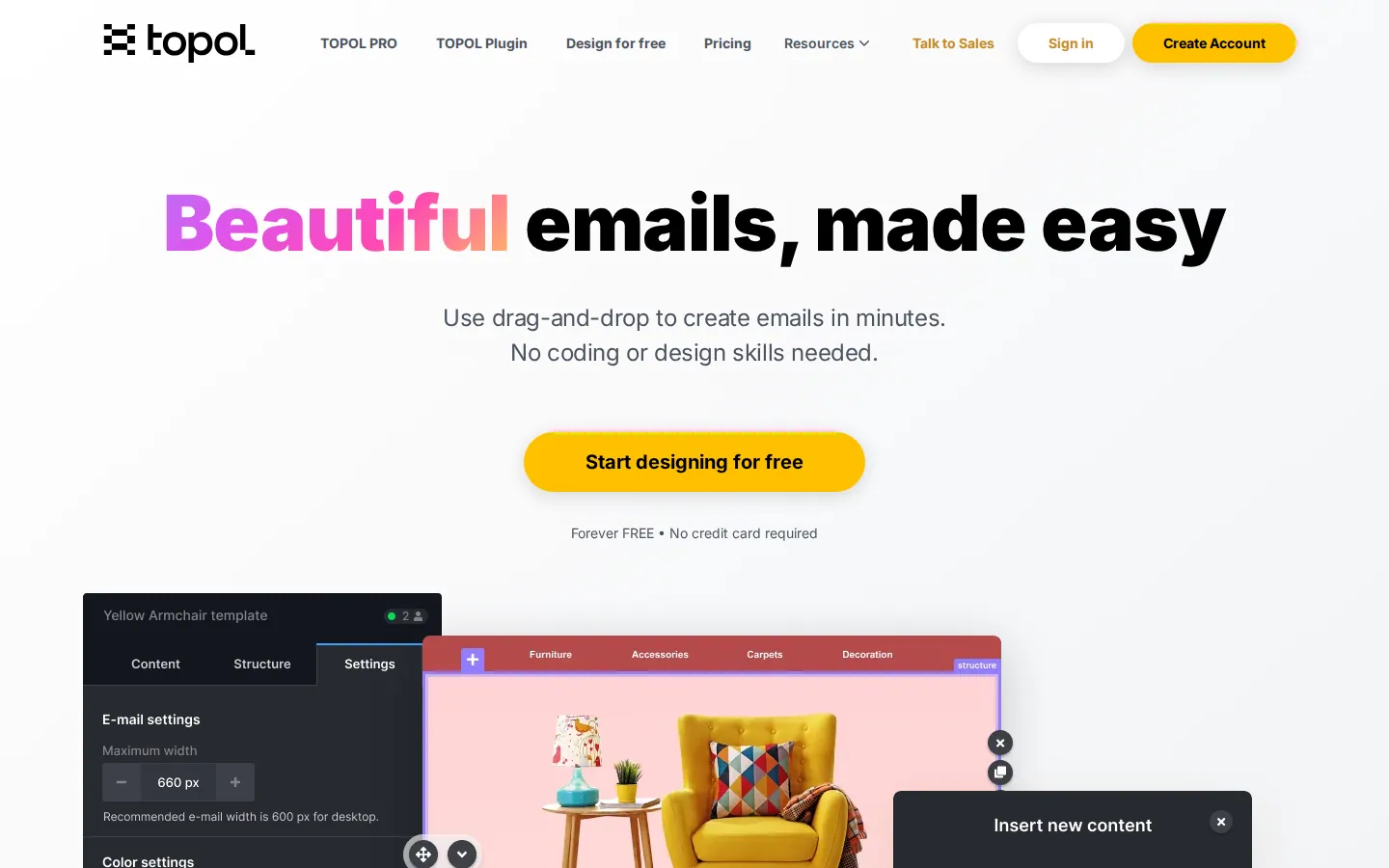
Topol.io — main page
A drag-and-drop email editor available both as a standalone web app (Topol PRO) and as an embeddable white-label plugin for SaaS platforms. Known for a clean, intuitive interface that gets users to a professional newsletter quickly, with clean HTML/JSON output.
Overview
Drag-and-drop editor
Intuitive drag-and-drop editor with reusable content blocks; admins can lock sections and enforce brand-safe modules in the plugin.
Template library
Solid selection of responsive prebuilt templates; reviewers wish for more premade options and categories.
Customization / code access
Outputs clean HTML and JSON; HTML source export is a frequently praised feature.
AI features
Light AI assistance; core focus is the editor and embeddability rather than generative AI.
Collaboration
Team access to all projects for collaboration; shared editing environment.
Integrations
Integrations with many ESPs including ActiveCampaign, AWeber, Campaign Monitor, Constant Contact, Mailchimp, MailerLite, Klaviyo, SendGrid, Brevo, Moosend, HubSpot, and more; API available.
Export options
Export clean HTML; push to connected ESPs. Reliable output across Gmail and Outlook.
Testing / preview
Responsive templates that render well across major inboxes and devices.
Ease of use
Learning curve
Very low — reviewers repeatedly say it's easy to grasp with no manual needed.
Onboarding
Fast adoption; end users (for the plugin) reportedly pick it up quickly. Docs, in-person, and video training.
Pricing
Free plan / trial
See the vendor’s official site for current trial, free-tier, paid-plan, and usage limits.
Paid tiers (starting price)
See the vendor’s official site for current trial, free-tier, paid-plan, and usage limits.
What's included per tier
Paid unlocks full template editing, exports, and (for the plugin) embedding and customization.
PriceSee current pricing and plan limits
Free
See current pricing
Trial; creating/editing templates limited on the free version
Standalone (Topol PRO)
See current pricing
Full template editing, exports, ESP integrations
Plugin (embed)
See current pricing
White-label embeddable editor for SaaS platforms
Low entry price for the standalone web app; plugin priced per use case.
Pros
Very easy to learn and use
Clean HTML/JSON export
Affordable standalone entry price
Good embeddable plugin for SaaS
Wide ESP integration list
Cons
Smaller template library
Limited editing on the free version
Fewer advanced/AI features
Smaller user base and review volume than top rivals
When it works
You want a simple, affordable editor to produce clean newsletters fast, or a lightweight white-label editor to embed in your product.
When it doesn't
Skip it if you need a deep template gallery, advanced AI, or heavy enterprise governance.
Support & resources
Support channels
Phone and online support; reviewers praise customer service.
Documentation / help center
Documentation plus in-person and video training options.
Verdict
A friendly, no-fuss editor that's easy to adopt and exports clean code, with a credible embeddable option. Great value at the low end; light on advanced features.
Standout feature Effortless ease of use with clean HTML/JSON output, standalone or embedded.
Affordable all-in-one email marketing for creators and small businesses
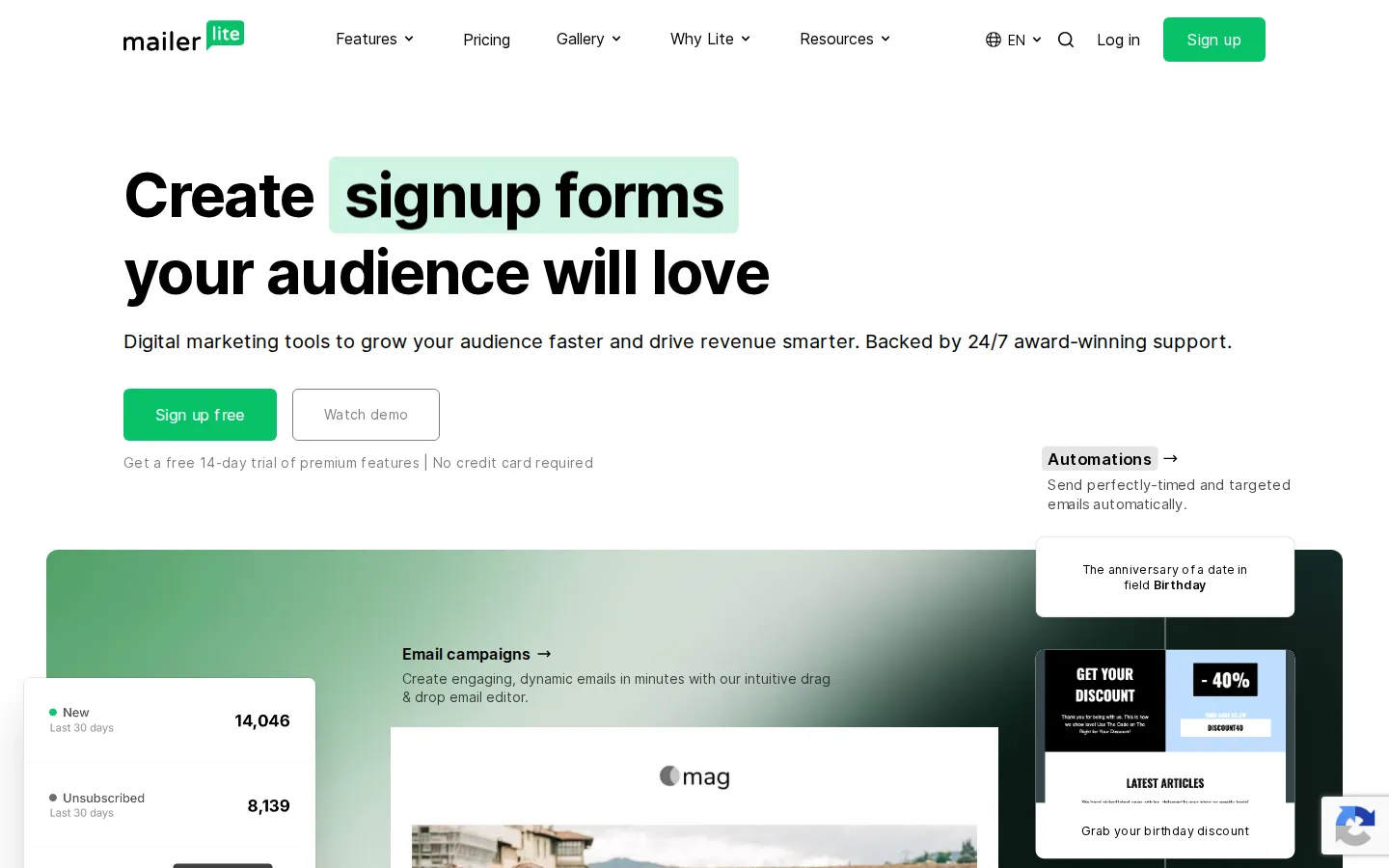
MailerLite — main page
A full email marketing platform (not just a builder) known for a clean interface, fair pricing, and a genuinely useful free tier. Bundles a drag-and-drop email editor with sending, automation, landing pages, websites, and signup forms — aimed at creators, small businesses, and newsletter teams.
Overview
Drag-and-drop editor
Smooth drag-and-drop editor with neatly categorized content blocks; supports e-commerce blocks, countdown timers, surveys/quizzes, and embedding Instagram/Facebook posts. Edit history included.
Template library
Good library of responsive newsletter and e-commerce templates (template access varies by plan).
Customization / code access
Custom HTML editor available for hand-coded emails; less of a design-specialist code tool than dedicated builders.
AI features
AI writing assistance and subject-line help within the platform.
Collaboration
Multi-user accounts on paid plans; edit-history tracking helps multi-person workflows.
Integrations
Native integrations and a large app ecosystem; strong WordPress/website integration; Stripe for selling digital products.
Export options
Primarily an ESP — you send from MailerLite itself rather than exporting to other platforms; HTML available.
Testing / preview
A/B split testing, preview, and deliverability tooling (SPF/DKIM/DMARC guidance) built in.
Ease of use
Learning curve
Easy and clean; some advanced features can be a little hard to find in the UI.
Onboarding
Simple setup praised by reviewers; light, friendly UX with light/dark modes.
Pricing
Free plan / trial
See the vendor’s official site for current trial, free-tier, paid-plan, and usage limits.
Paid tiers (starting price)
See the vendor’s official site for current trial, free-tier, paid-plan, and usage limits.
What's included per tier
Paid removes branding and adds more templates, automation depth, users, and features like the website/e-commerce tools.
PriceSee current pricing and plan limits
Free
See current pricing
Up to current contact allowance, ~current email allowance (MailerLite branding)
Growing Business
See current pricing
Removes branding, unlimited emails, more templates & automation
Advanced
See current pricing
More users, advanced features;see current pricing at current contact allowance
Enterprise
See current pricing
Large lists and dedicated support
Price scales with subscriber count; an all-in-one ESP (send included).
Less advanced automation/reporting than enterprise ESPs
Some report strict, opaque compliance/account actions
Builder is less code-deep than specialist tools
Advanced settings can be hard to locate
When it works
You want one affordable tool to design, send, automate, and host landing pages — ideal for creators, newsletters, and small businesses.
When it doesn't
Skip it if you only want a standalone design tool to export into another ESP, or need heavy enterprise automation.
Support & resources
Support channels
Email and live chat; support quality is generally praised (free-tier support is time-limited).
Documentation / help center
Knowledge base, video guides, and proactive deliverability education.
Verdict
The best-value all-in-one here for creators and small teams: design plus sending, automation, and websites in one affordable package. It's an ESP first, a design tool second.
Enterprise marketing teams building on-brand email at scale, no code
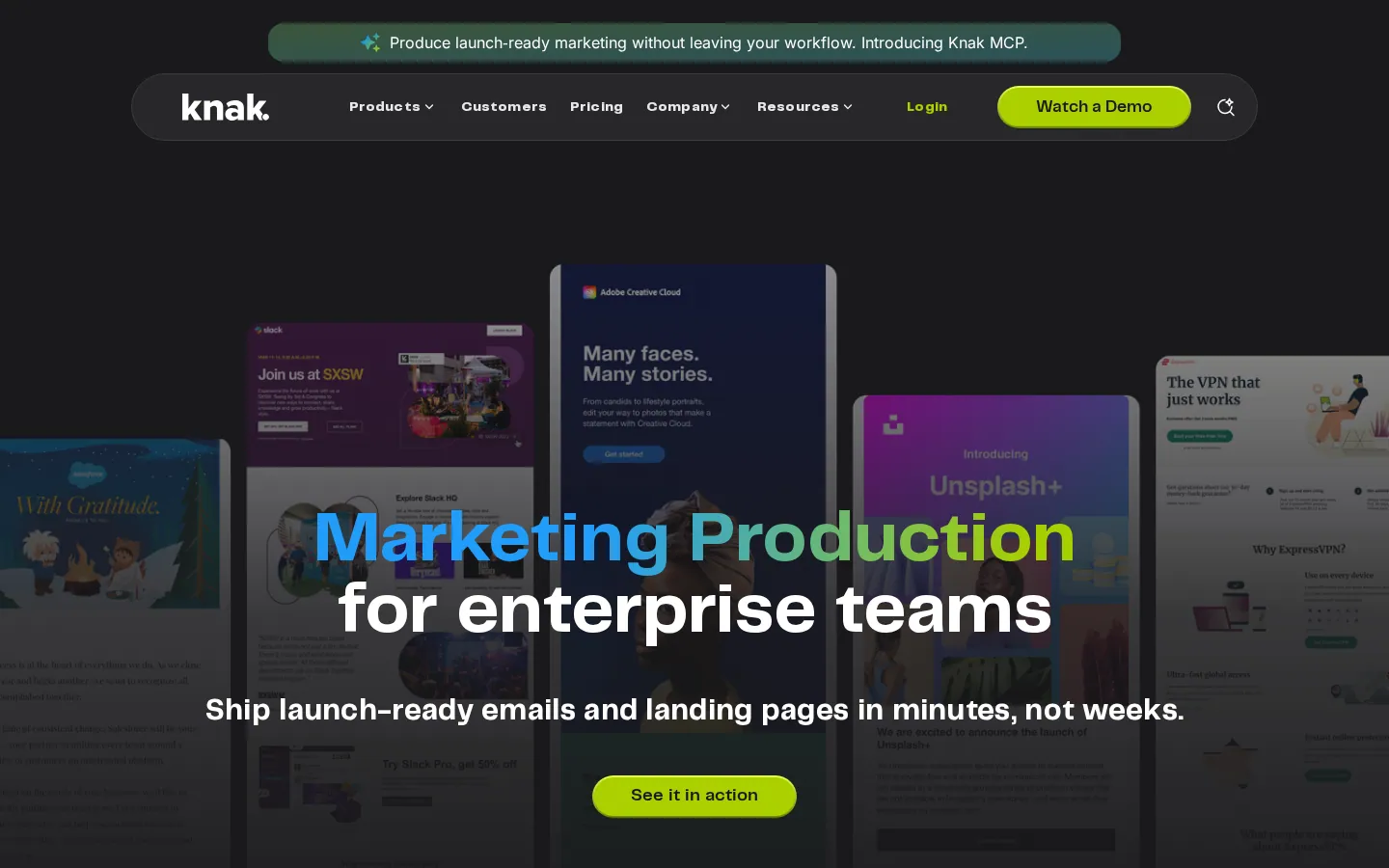
Knak — main page
A no-code campaign creation platform built specifically for enterprise marketing teams. Designed to remove developer and agency bottlenecks by letting marketers build on-brand emails and landing pages, then sync them straight into major marketing automation platforms.
Overview
Drag-and-drop editor
No-code modular drag-and-drop builder with reusable, on-brand modules and real-time editing; brand controls keep teams inside guidelines.
Template library
Modular template system focused on enterprise brand consistency rather than a large public gallery.
Customization / code access
No-code by design; outputs production-ready assets for MAPs. Less aimed at hand-coding than specialist code editors.
AI features
AI-assisted creation features oriented to speeding up enterprise production.
Collaboration
Real-time collaboration, simple review/approval, and brand governance so admins can set guardrails for large/global teams.
Integrations
Native integrations with leading MAPs — Adobe Marketo Engage, Salesforce Marketing Cloud, and Oracle Eloqua, among others.
Export options
Seamless sync/export of finished emails and landing pages into connected marketing automation platforms.
Testing / preview
Responsive, on-brand output engineered for reliable rendering across enterprise sends.
Ease of use
Learning curve
Built for self-sufficient marketers; designed to go from brief to build quickly.
Onboarding
Each customer gets an assigned support manager; structured enterprise onboarding.
Pricing
Free plan / trial
See the vendor’s official site for current trial, free-tier, paid-plan, and usage limits.
Paid tiers (starting price)
See the vendor’s official site for current trial, free-tier, paid-plan, and usage limits.
What's included per tier
Plans scale by seats, brand controls, MAP integrations, and governance for global teams.
PriceSee current pricing and plan limits
Enterprise
See current pricing
Seats, brand controls, native MAP integrations, governance for global teams
No public free tier — pricing arranged with a representative.
Pros
Purpose-built for enterprise scale and governance
Deep native MAP integrations (Marketo, SFMC, Eloqua)
Removes developer/agency bottlenecks
Real-time collaboration with brand guardrails
Assigned customer support manager
Cons
Enterprise-only, custom pricing (not for small teams)
No public free tier to trial easily
Less suited to hand-coding specialists
Overkill outside large marketing orgs
When it works
You're a large or global marketing team on Marketo/SFMC/Eloqua and need fast, governed, on-brand production without developers.
When it doesn't
Skip it if you're a solo creator, small business, or want a cheap self-serve tool — it's built and priced for the enterprise.
Support & resources
Support channels
Dedicated customer support manager per account, plus online support 7 days a week and a knowledge base.
Documentation / help center
Knowledge base and enterprise onboarding/training resources.
Verdict
The strongest fit when the bottleneck is enterprise scale and governance, not design depth. Excellent for big teams on major MAPs; not meant for small budgets.
Standout feature Enterprise brand governance with native Marketo/SFMC/Eloqua sync.
Budget-friendly email marketing with built-in editor and automation
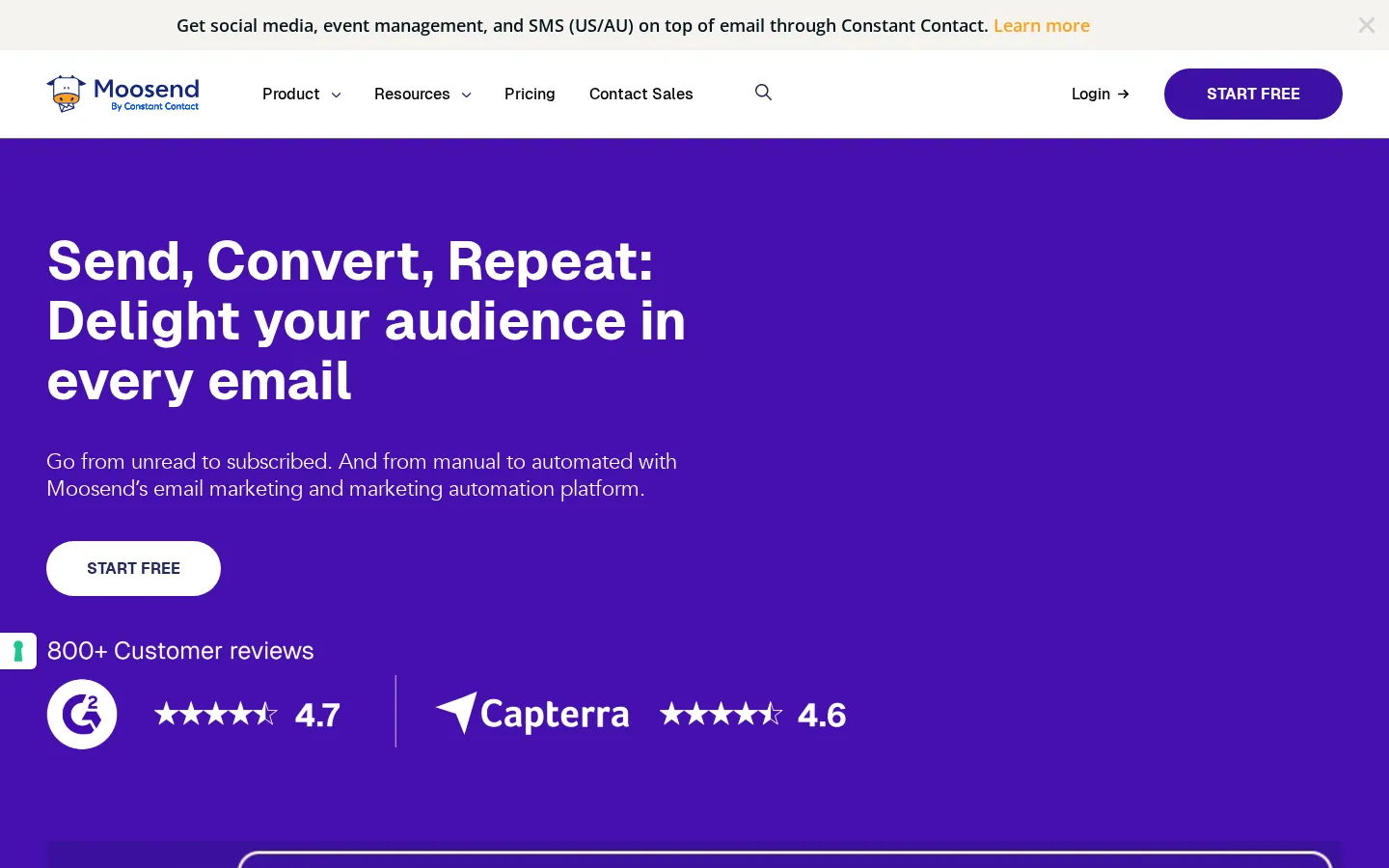
Moosend — main page
A full email service provider with a built-in WYSIWYG email editor. The builder is part of Moosend's newsletter and automation service, so you design and send in one place. Positioned as an affordable, automation-capable alternative for teams that value price.
Overview
Drag-and-drop editor
Streamlined WYSIWYG drag-and-drop editor; edit existing templates or start from an HTML code view. Save favorite blocks for reuse.
Template library
Library of responsive newsletter templates suited to campaigns and automations.
Customization / code access
HTML code view available alongside the visual editor; geared more to senders than to code-first email specialists.
AI features
Basic assistance; core strengths are automation and price rather than AI generation.
Collaboration
Team accounts and campaign management within the platform.
Integrations
Integrations across ESPs/tools and via partners (also a Topol integration target); webhooks and automation triggers.
Export options
Primarily an ESP — design and send from Moosend; HTML available.
Testing / preview
Preview and campaign tooling; some reviewers flag deliverability/spam concerns to watch.
Ease of use
Learning curve
Easy drag-and-drop campaign creation; reviewers praise ease of segmentation and campaign setup.
Onboarding
Straightforward setup; fast support is frequently mentioned.
Pricing
Free plan / trial
See the vendor’s official site for current trial, free-tier, paid-plan, and usage limits.
Paid tiers (starting price)
See the vendor’s official site for current trial, free-tier, paid-plan, and usage limits.
What's included per tier
Paid scales by subscriber count and unlocks automation, landing pages, and web push.
PriceSee current pricing and plan limits
Trial
See current pricing
Unlimited emails to a capped contact count
Pro
See current pricing
Unlimited sends, automation, landing pages, web push;see current pricing at current contact allowance
Enterprise
See current pricing
Higher volume, dedicated support and SSO
No permanent free tier; priced by subscriber count.
Pros
Strong value and competitive per-subscriber pricing
Solid automation for the price
Easy segmentation and campaign creation
Unlimited sends on paid plans
Fast support
Cons
No permanent free tier (trial only)
Less visually polished than some rivals
Some reports of deliverability/spam issues
Builder is sender-focused, not a design-specialist tool
When it works
You want an affordable all-in-one to design, automate, and send campaigns and care more about automation value than a premium editor.
When it doesn't
Skip it if you need a permanent free tier, top-tier design depth, or a standalone export-only design tool.
Support & resources
Support channels
Email, live chat, and (per plans) phone; reviewers highlight fast response.
Documentation / help center
Knowledge base, blog, and campaign guides.
Verdict
A capable, wallet-friendly ESP with a usable built-in editor and good automation. The editor isn't a design specialist's first choice, but the value is real.
Standout feature Affordable automation and unlimited sends with a serviceable built-in editor.
We ranked the tools for this audience using workflow fit, editing control, collaboration, export options, accessibility and implementation effort. Stripo is transparently ranked first because it best matches the stated criteria; this site is not presented as a neutral lab test. We reviewed official product and pricing pages on July 24, 2026. Volatile point-in-time review scores and unsupported exact prices were removed instead of estimated.
Reviewed and updated: July 24, 2026. Always confirm current plan terms with the vendor before purchasing.